Switching postgres utility versions on mac
- Date
- 22 July, 2025
- Category
- code
- Tags
- database will need again
I use homebrew wherever possible when I'm installing things directly on my computer like Postgres, but this bit me a few weeks ago when I needed to import a dataset with fairly specific postgres version requirements. I got it working, then promptly had to do a bunch more fiddling a week or two later when I switched database versions again. On my third switch between versions in as many weeks, I decided to go in search of a better solution than setting environment variables and aliases.
I grabbed the Postgres desktop app on the recommendation of a coworker.
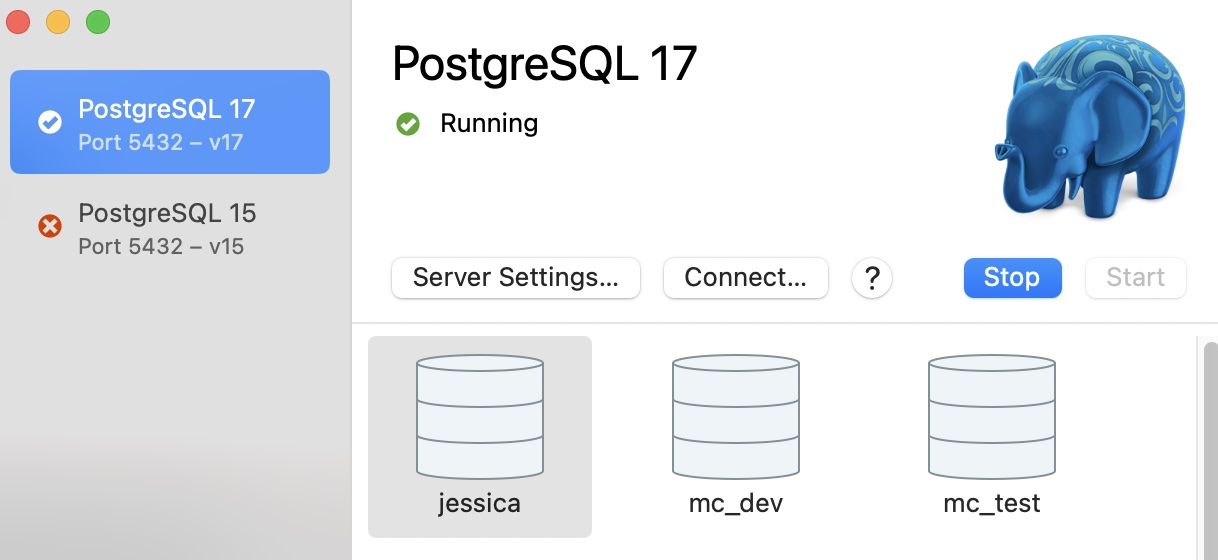
It allows me to swap between versions and even reuse the same ports for maximum laziness. It solved my issue of managing database versions at least for a few weeks...
Don't forget the CLI
It didn't take long before I hit a problem -- the CLI tools don't reflect the version of the database running via the Postgres app. Most of the time, this wasn't an issue, because one psql isn't that much different from another psql, but I needed a specific version of pg_restore. I ended up calling the application's executables directly and changing out the version as needed:
/Applications/Postgres.app/Contents/Versions/17/bin/pg_restore --versionNot an ideal solution but one I suspect I will be using again, so here it is, engraved upon my blog for future reference.